

SoundCloud hosts millions of tracks from independent artists, but it does not provide a way to export playlists as local MP3 files for flexible offline playback. As a result, many users turn to third-party tools to save their favorite playlists and listen offline whenever they want.
In this guide, we've tested and compared 8 SoundCloud playlist downloaders available in 2026. Some focus on fast and reliable batch downloads, while others are better suited for quick, occasional use. We've also included a GitHub-based option for users who prefer open-source solutions and don't mind a more technical setup. This guide will help you choose the right SoundCloud playlist downloader based on your download needs, technical experience, and preferred features.
- Best SoundCloud Playlist Downloaders for Different Needs
- Top 1. TuneFab SoundCloud Music Converter
- Top 2. JDownloader
- Top 3. SoundCloudAud SoundCloud MP3 Downloader
- Top 4. DownCloudMe
- Top 5. AddonCrop SoundCloud Music Downloader
- Top 6. scdl SoundCloud Downloader
- Top 7. SoundLoader MP3 Downloader
- Top 8. Telegram @scdlbot
- SoundCloud Playlist Downloader to ZIP: Which Tools Actually Support It?
- Best GitHub SoundCloud Playlist Downloaders
- Side-by-Side Comparison of SoundCloud Playlist Downloaders
- Is It Safe and Legal to Download SoundCloud Playlists?
- Conclusion
Best SoundCloud Playlist Downloaders for Different Needs
In this section, we'll introduce each SoundCloud playlist downloader based on real playlist performance, download quality, ease of use, and common limitations, so you can quickly find the one that best fits your needs.
Top 1. TuneFab SoundCloud Music Converter
📌 Best for large SoundCloud playlist downloads with fast batch processing, flexible audio formats, and preserved song information
Playlist Download Performance
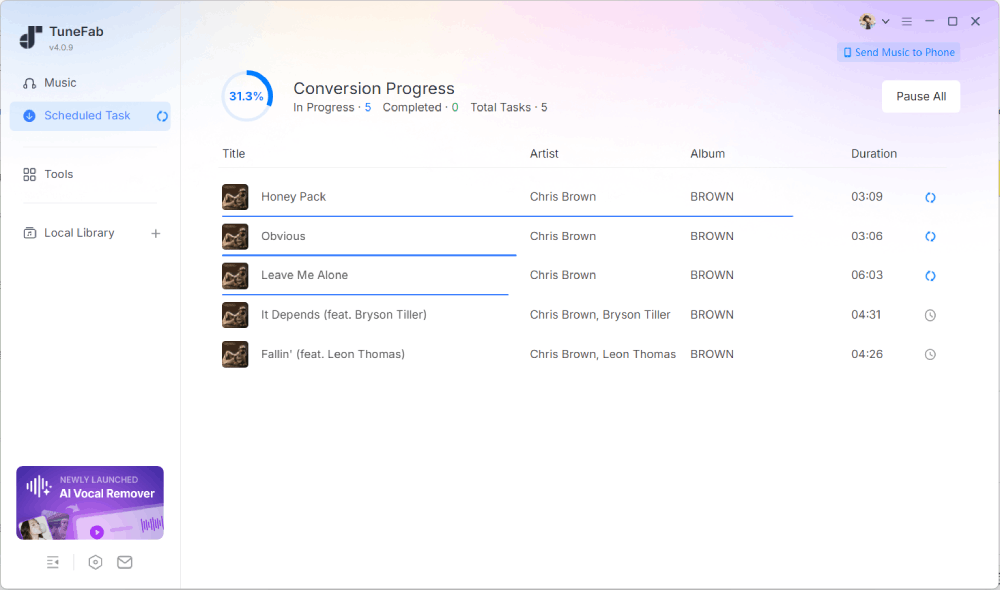
By integrating a built-in SoundCloud web player, TuneFab SoundCloud Music Converter provides a convenient way to download entire playlists for offline listening in MP3, FLAC, WAV, and other popular formats.
In our testing, the software took less than 5 seconds to analyze the selected playlist and add every track to the download queue with a single click. Once we clicked the "Download" button, it immediately started downloading the entire playlist in batch. During the process, it handled up to three simultaneous downloads and completed the entire playlist without skipping any tracks. Overall, the download process remained stable throughout our test.
Another advantage is its output flexibility. You can export playlists in MP3, FLAC, WAV, M4A, or AIFF, with MP3 quality adjustable up to 320 kbps. It also preserves ID3 tags, including the song title, artist, album, and cover art.
Main Limitations
- The free trial allows you to convert only three tracks. Unlimited conversions require a paid subscription.
- If a track is unavailable in your region, it cannot be accessed or downloaded due to licensing restrictions.
Top 2. JDownloader
📌 Best for users who want a free desktop tool for batch downloading SoundCloud playlists
Playlist Download Performance
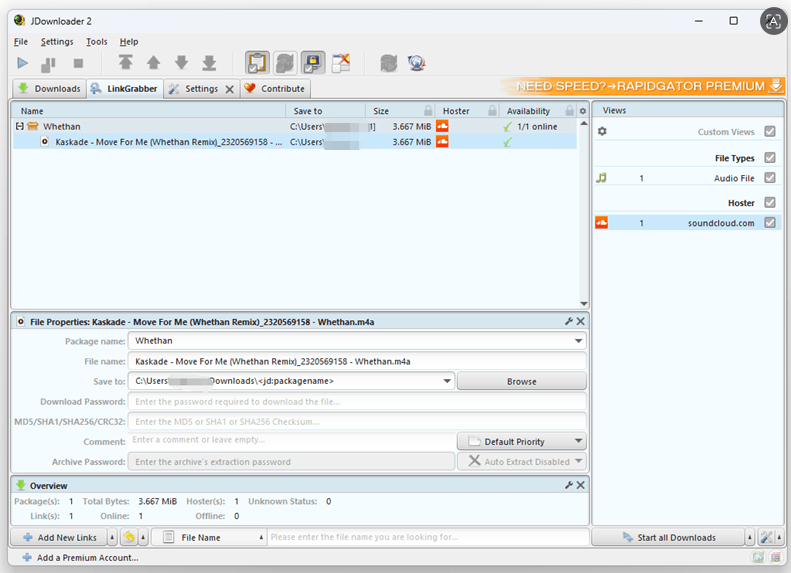
JDownloader is a free desktop download manager that lets you save music, videos, and other media files from a wide range of streaming platforms, including SoundCloud. Unlike TuneFab SoundCloud Music Converter, JDownloader requires you to paste a SoundCloud playlist URL into the LinkGrabber tab, where it analyzes the link and adds all detected tracks to the download queue.
JDownloader doesn't package an entire playlist into a ZIP file. Instead, it saves each track as a separate file. To speed up the process, you can adjust the global download limit and download up to 20 tracks simultaneously. When it comes to audio quality, JDownloader downloads the highest-quality file made available by SoundCloud instead of letting you manually choose a bitrate. This makes the process simple, although it lacks the output format and quality controls available in some dedicated SoundCloud downloaders.
Main Limitations
- Download performance is not always stable, and occasional download errors may occur.
- The output quality is limited by the original source provided by SoundCloud.
- The Windows installer includes optional adware. If you do not uncheck the relevant option during installation, it may be installed.
- The interface feels somewhat dated and may be less intuitive for first-time users.
Top 3. SoundCloudAud SoundCloud MP3 Downloader
📌 Claimed playlist-to-ZIP downloader, but not recommended based on our latest test
Playlist Download Performance
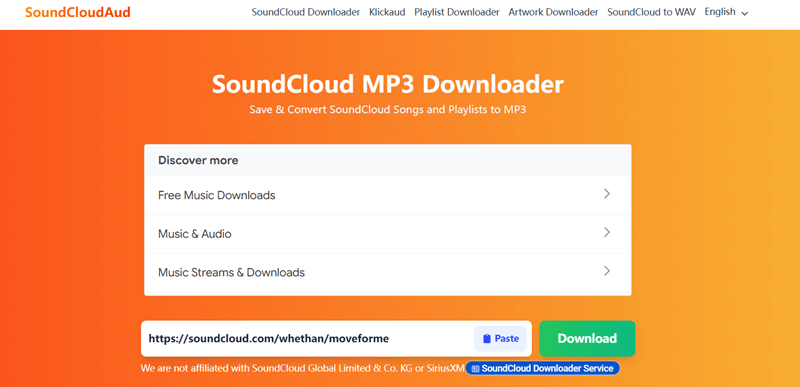
SoundCloudAud is a free online downloader that claims to let users download entire SoundCloud playlists without installing any software or browser extensions. According to its website, it can download an entire SoundCloud playlist, album, or other collection of tracks as a single ZIP file.
Unfortunately, our testing didn't match those claims. We tested multiple playlist URLs across different browsers, but none could be parsed or downloaded successfully. Individual track URLs were usually recognized, but clicking the "Download" button had no effect, and the download never started.
Main Limitations
- Performance is inconsistent with a low download success rate.
- It fails to parse most playlist links.
- MP3 output is limited to 128 kbps with no quality settings.
- ID3 metadata is not preserved.
Top 4. DownCloudMe
📌 Best for users who want a quick way to download small SoundCloud playlists online
Playlist Download Performance
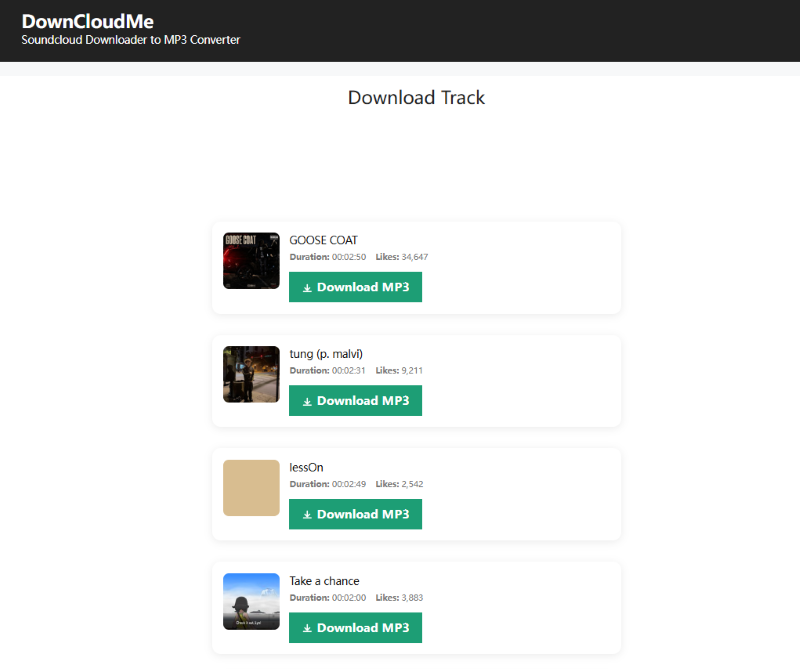
DownCloudMe is another browser-based SoundCloud downloader that works without installing software. During our testing, it recognized the playlist URL, but its playlist support proved to be quite limited. When we tested a 50-track playlist, only five songs were successfully added to the download queue. Batch downloading is also unavailable, so each track must be downloaded separately by clicking its own "Download" button.
We also encountered frequent ad redirects whenever we clicked the "Download" button, which significantly slowed down the process. The downloaded files were limited to 128 kbps MP3 quality. Only the song title was retained, while other ID3 metadata was missing.
Main Limitations
- The playlist download success rate is relatively low.
- Many tracks are skipped and missing during playlist parsing.
- No true batch download or ZIP export.
- Audio quality is determined by the source file and cannot be customized.
- Ad redirects occur frequently during the download process.
- Complete ID3 metadata is not preserved.
Top 5. AddonCrop SoundCloud Music Downloader
📌 Best for users who want to download SoundCloud playlists directly from their browser without manually copying playlist URLs
Playlist Download Performance
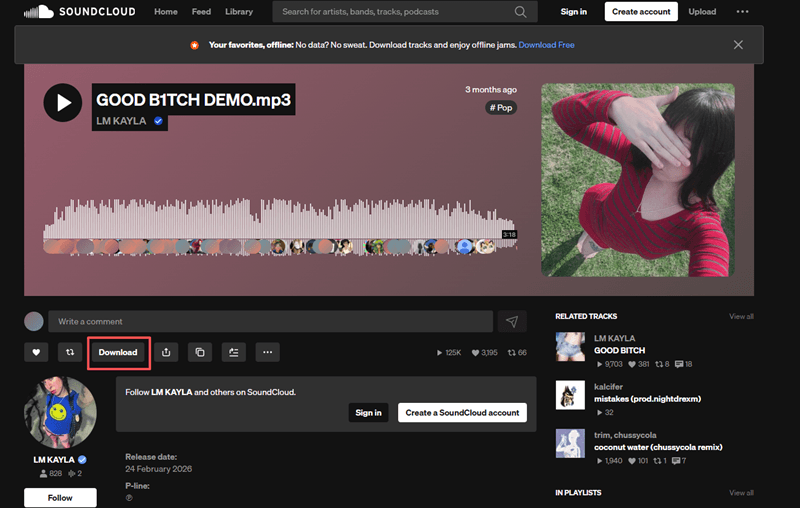
If you mainly use SoundCloud through a browser, the AddonCrop SoundCloud Music Downloader extension provides a convenient way to download playlists directly from SoundCloud pages.
Once installed in Chrome, the extension adds a download button directly to SoundCloud playlist pages. With a single click, it attempts to download all available tracks from the playlist. Each song is downloaded as a separate MP3 file. While the workflow is convenient, the download success rate was relatively low in our testing. With a 50-track playlist, only a handful of songs were downloaded successfully. Most tracks failed with the error message: "Failed to extract MP3 URL."
One advantage is that the extension preserves complete ID3 tags, so downloaded tracks retain information such as the title, artist, album, and cover art. However, audio quality is limited to 128 kbps MP3, with no option to adjust the bitrate or choose a different output quality.
Main Limitations
- It requires installing the AddonCrop Helper application before downloads can be processed.
- Download success rates are relatively low, especially for larger playlists.
- The output quality is limited, with no option to save higher-bitrate audio.
- The extension is only available for Google Chrome.
Top 6. scdl SoundCloud Downloader
📌 Best for developers and advanced users who prefer a free, open-source command-line solution.
Playlist Download Performance
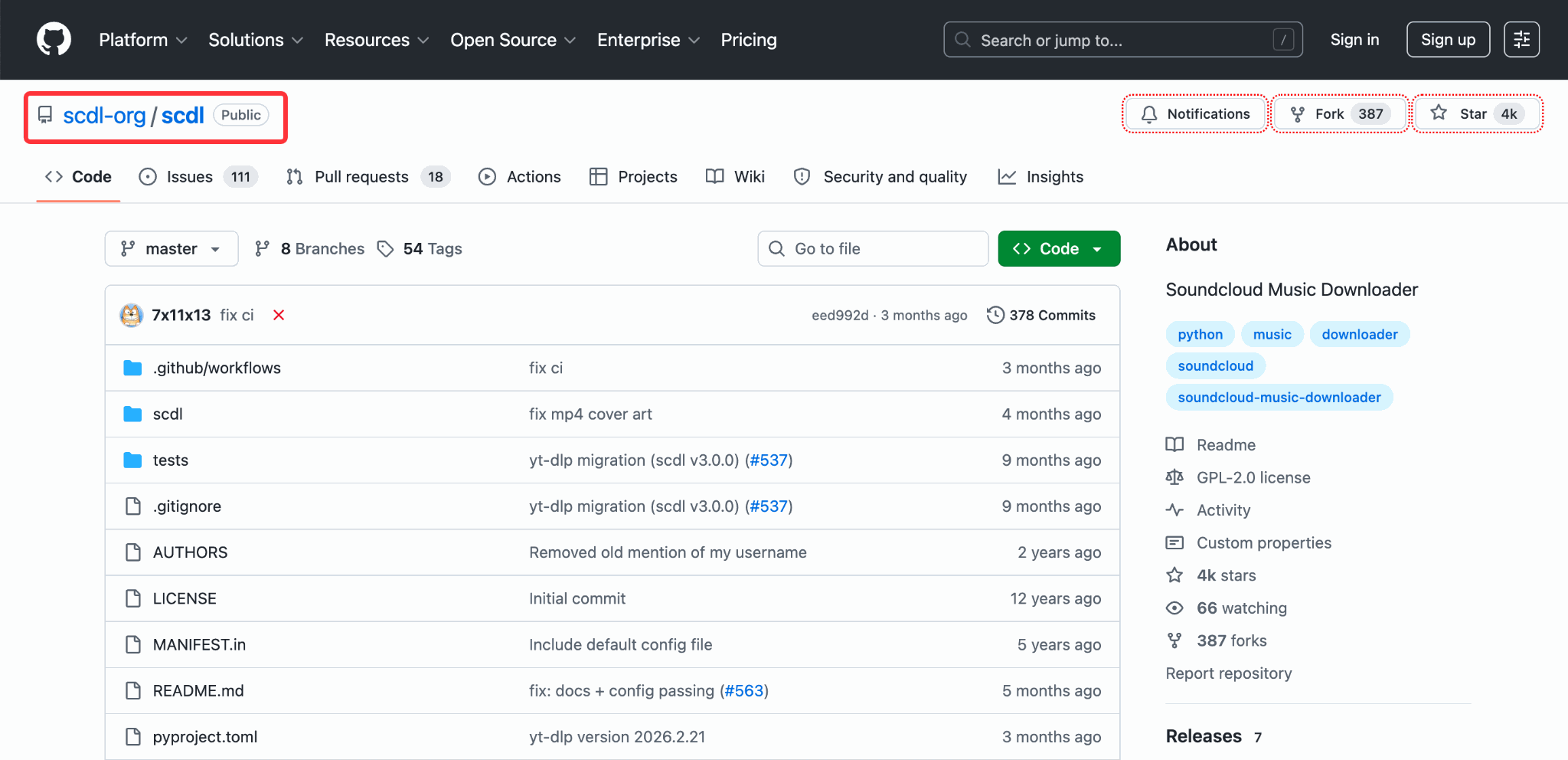
scdl is a well-known open-source SoundCloud downloader available on GitHub. It supports downloading both individual tracks and entire SoundCloud playlists in MP3 or M4A format. To download a playlist, you need to run scdl with the appropriate playlist option followed by the playlist URL. Once scdl detects that the link points to a playlist, it automatically parses the URL and downloads every track one by one.
scdl supports customizable ID3 tags, organizes downloaded tracks into playlist-based folders, and can be integrated into scripts for automated downloads. The trade-off is that scdl doesn't include a graphical interface. Everything is done from the command line, so the learning curve is steeper for beginners. For users familiar with terminal-based tools, however, scdl is a fast, lightweight, and highly customizable solution that fits easily into automated workflows.
Main Limitations
- It requires Python and command-line knowledge.
- The learning curve is steep for beginners.
- Maintenance and updates depend on the open-source community.
Top 7. SoundLoader MP3 Downloader
📌 Best for Android users who need a simple way to download individual SoundCloud tracks.
Playlist Download Performance
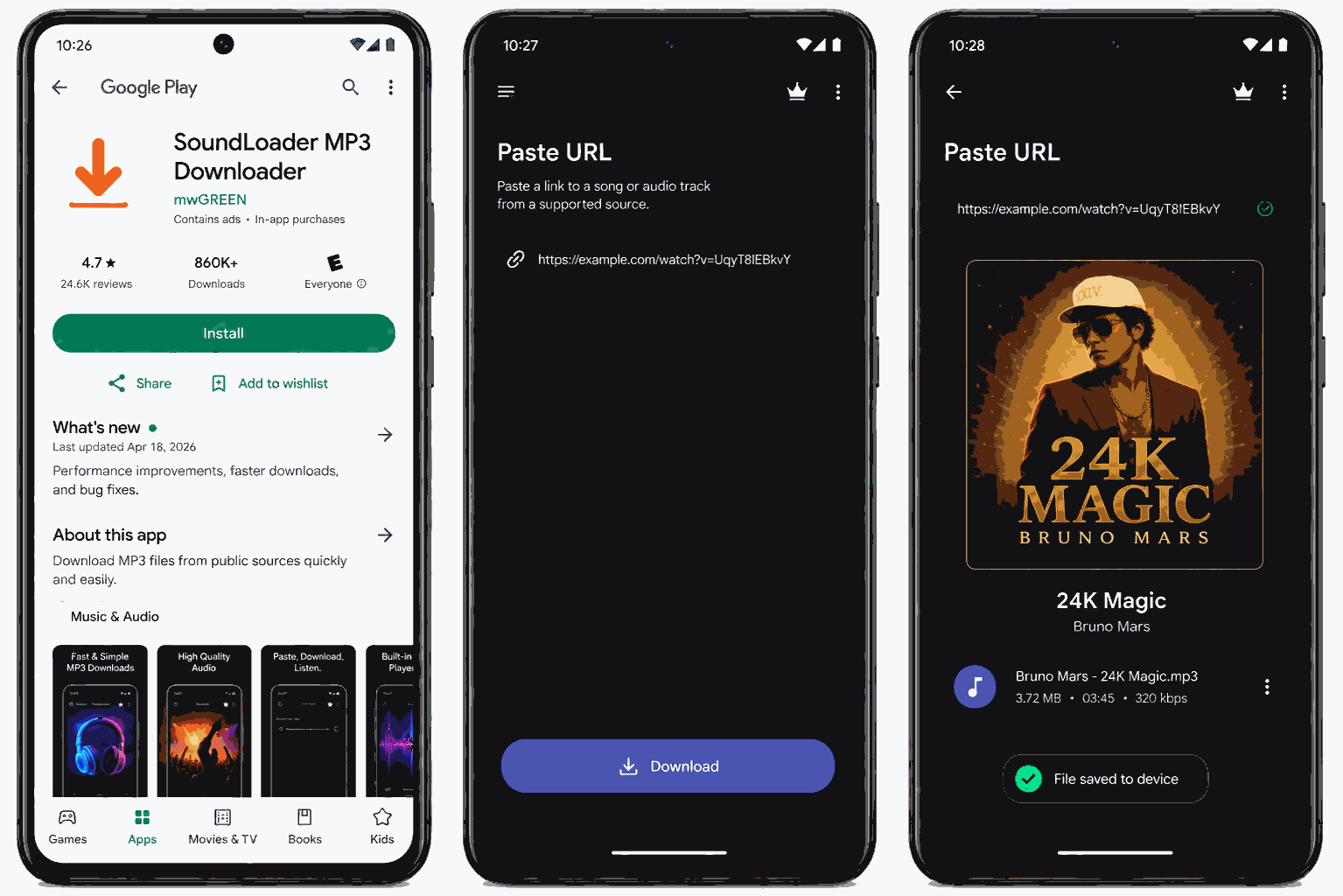
SoundLoader MP3 Downloader is an Android app designed for downloading music from SoundCloud. It works by pasting a track URL into the app, converting the stream into a local MP3 file stored on the device. However, the app is primarily built for downloading individual tracks rather than complete playlists. Although its release notes mention improvements to playlist and album downloading, our testing found that playlist URLs were still parsed unreliably, with many failing to load altogether. In addition, downloaded files do not retain their original ID3 metadata.
Main Limitations
- The app is limited to Android.
- Playlist batch downloading isn't supported.
- No output settings or bitrate customization.
- Download speed can sometimes be slow.
- Occasional download failures.
Top 8. Telegram @scdlbot
📌 Best for mobile users who want to download a few SoundCloud tracks through Telegram.
Playlist Download Performance
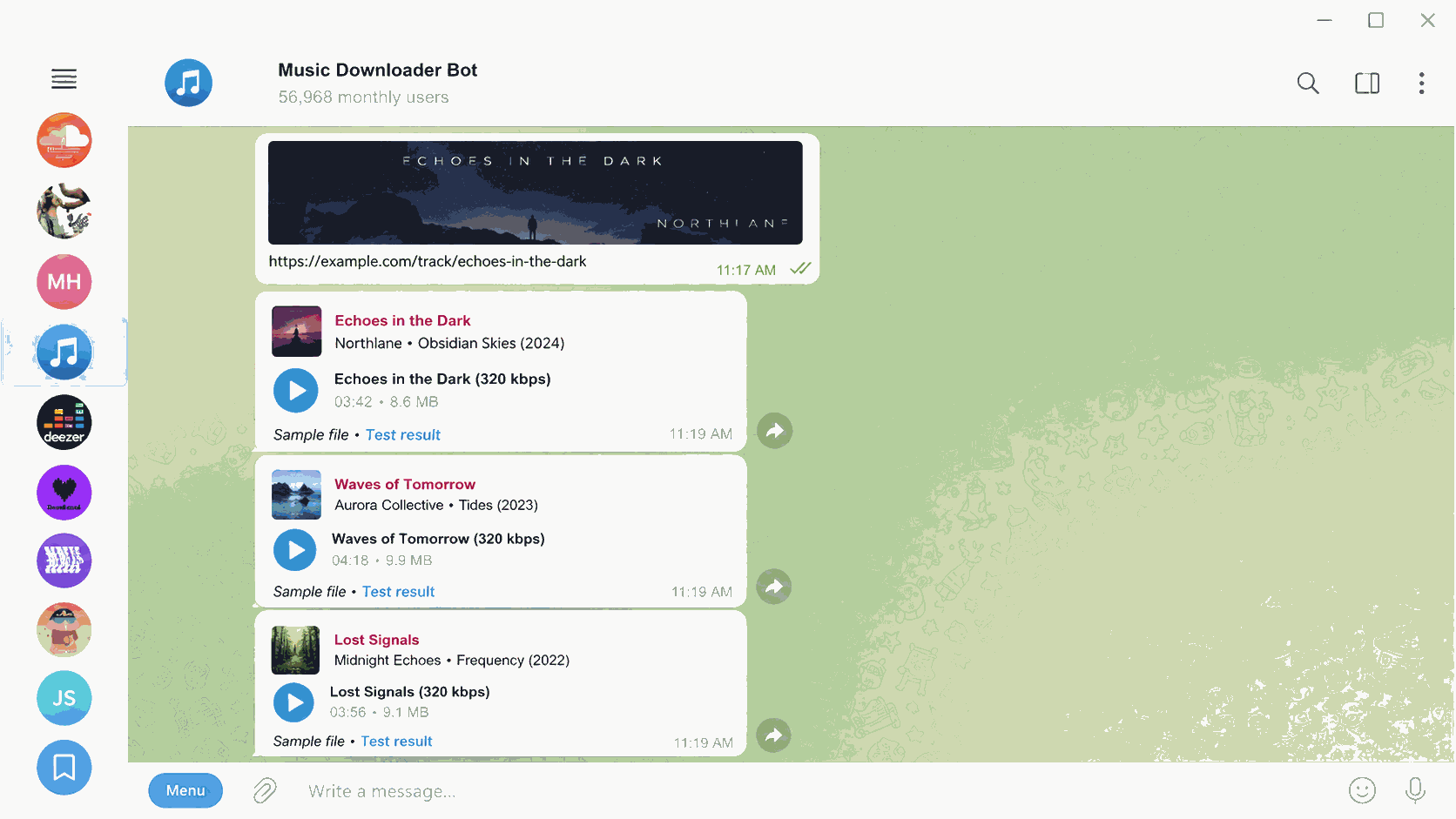
If you already use Telegram, @scdlbot is a convenient way to download SoundCloud songs without installing any additional software. Simply send a SoundCloud link to the bot, and it will return a downloadable audio file directly in the chat.
However, it's not intended for downloading large playlists. Playlist URLs are handled much less reliably than individual tracks, and there's no support for true batch downloading or downloading an entire playlist as a ZIP archive. That said, it works well enough if you only want to save a handful of favorite songs. Since it works through Telegram, you can use it across both mobile and desktop versions of the app.
Main Limitations
- Downloads must be initiated one by one.
- Limited control over output quality and metadata.
- Availability may vary if the Telegram bot becomes temporarily unavailable or is rate-limited.
SoundCloud Playlist Downloader to ZIP: Which Tools Actually Support It?
After reviewing each tool in detail, one thing becomes clear: not every downloader handles full playlist downloads the way users expect. The table below summarizes how each downloader handled SoundCloud playlists in our hands-on testing.
| Tool | ZIP Archive | Batch Download | Actual Performance |
| TuneFab | ❌ | ✅ | Downloads the entire playlist with one click and supports simultaneous downloads. |
| JDownloader | ❌ | ✅ | Downloads up to 20 tracks simultaneously as individual MP3 files. |
| SoundCloudAud | ⚠️ Claimed | ❌ | ZIP is advertised, but playlist parsing failed in our testing. |
| DownCloudMe | ❌ | ❌ | Requires manually clicking Download for every track. |
| AddonCrop | ❌ | ✅ | Downloads tracks automatically, one by one, in sequential order. |
| scdl | ❌ | ✅ | Saves each track individually via the command line. |
| SoundLoader | ❌ | ❌ | Designed mainly for single-track downloads. |
| Telegram @scdlbot | ❌ | ❌ | Better suited for downloading individual tracks than playlists. |
Among the tested tools, TuneFab, JDownloader, AddonCrop, and scdl support one-click playlist downloads. But the way they handle downloads is different. TuneFab and JDownloader can download multiple tracks at the same time after detecting a playlist, which makes them more efficient when processing large playlists. AddonCrop and scdl also download entire playlists automatically, but they can only download songs one by one.
SoundCloudAud takes a different approach by claiming to download an entire playlist as a ZIP archive. However, we couldn't confirm this feature during testing because it failed to parse almost every playlist URL we tried. As a result, no complete playlist download could be completed.
Best GitHub SoundCloud Playlist Downloaders
For users who prefer open-source tools, GitHub offers several community-developed SoundCloud playlist downloaders. Examples include scdl, which we covered earlier, and projects such as SoundCloudDownloader.
However, most GitHub-based downloaders are not designed for beginners. They usually require users to install dependencies such as Python or Node.js, run commands through a terminal, and complete some basic configuration before starting a download. This workflow is manageable for users with technical experience, but it may feel complicated for those who are used to regular desktop applications.
Long-term reliability is another consideration. Unlike commercial software that typically has dedicated development teams, many GitHub projects rely on individual contributors or small communities. When SoundCloud updates its API or changes its authentication methods, updates may not arrive quickly. In some cases, projects can become inactive and stop receiving maintenance altogether.
Side-by-Side Comparison of SoundCloud Playlist Downloaders
The comparison table below provides a quick overview of all eight SoundCloud playlist downloaders.
| Tool | Playlist Parsing | ZIP | Full Playlist Batch Download | Simultaneous Download | MP3 Quality | ID3 | Ads | Best For |
| TuneFab | ✅ | ❌ | ✅ | ✅ | Up to 320 kbps | ✅ | ❌ | Large playlists & high-quality downloads |
| JDownloader | ✅ | ❌ | ✅ | ✅ | Varies; depends on source quality | Partial | ❌ | Free desktop users |
| SoundCloudAud | ❌ | Claimed | ❌ | ❌ | 128 kbps | ❌ | ✅ | Checking claimed ZIP download support |
| DownCloudMe | ⚠️ Partial | ❌ | ⚠️ Partial | ❌ | 128 kbps | ❌ | ✅ | Downloading a few tracks |
| AddonCrop | ✅ | ❌ | ⚠️ Partial | ❌ | 128 kbps | Partial | ❌ | Browser-based downloading |
| scdl | ✅ | ❌ | ✅ | ❌ | 320kbps | ✅ | ❌ | Developers & CLI users |
| SoundLoader | ❌ | ❌ | ❌ | ❌ | 128kbps | ❌ | ❌ | Android users |
| Telegram @scdlbot | ❌ | ❌ | ❌ | ❌ | 128kbps+ | ❌ | ❌ | Quick mobile downloads |
Is It Safe and Legal to Download SoundCloud Playlists?
Downloading SoundCloud playlists is not always against the rules, but it depends on what you download and how you use it. While SoundCloud offers offline listening through its official app, downloading copyrighted tracks with third-party tools may violate SoundCloud's Terms of Use or applicable copyright laws.
When using third-party downloaders, choose reputable tools and avoid suspicious websites or excessive advertising redirects. For personal use, downloading your own content, Creative Commons tracks, or music shared with the creator's permission is generally the safest approach.
Conclusion
These 8 SoundCloud playlist downloaders offer different ways to save playlists for offline listening, whether you use a desktop computer or a mobile device.
If you regularly download large playlists and value reliable batch downloads, high-quality audio, and complete ID3 metadata, TuneFab SoundCloud Music Converter is the strongest overall option. For users who only need a quick solution, online downloaders or browser extensions like DownCloudMe and AddonCrop may be more convenient because they require less setup. If you prefer more flexibility and don't mind command-line tools, open-source options on GitHub, such as scdl, provide greater customization.